COGITO
AGENTThink Continuously · Act Autonomously · Stay Private
持续思考 · 自主行动 · 数据私有
"Cogito, ergo sum — I think, therefore I am. CogitoAgent is not just a tool; it is your autonomous thinking partner running entirely in your local environment."
— CogitoAgent v2.3.2Your Local AI Autonomous Agent您的本地 AI 自主智能体
CogitoAgent is a locally-run autonomous AI agent that integrates file management, knowledge mining, system operations, code execution, and web connectivity. It runs directly within the working directory you configure — with no need to upload files to third-party servers. CogitoAgent 是一款本地运行的自主 AI 智能体,集成了文件管理、知识挖掘、系统操作、代码执行、网络搜索等功能。它直接在您配置的工作目录内运行,无需将文件上传至第三方服务器。
Unlike traditional chatbots, CogitoAgent possesses the ability to Think Continuously, Explore Autonomously, and Execute Tools, capable of proactively discovering and organizing your local assets in the background. 与传统聊天机器人不同,CogitoAgent 拥有 持续思考、自主探索 和 工具执行 的能力,可以在后台主动发现和整理您的本地资源。
Supported Models支持模型
Tool Modules工具模块
All tool functions are managed uniformly by registry.ts and called using the [TOOL] functionName(args) [/TOOL] format. Tools are loaded on-demand by category.
所有工具函数由 registry.ts 统一管理,使用 [TOOL] functionName(args) [/TOOL] 格式调用。工具按分类按需加载。
Live Interactive Demos实时交互演示
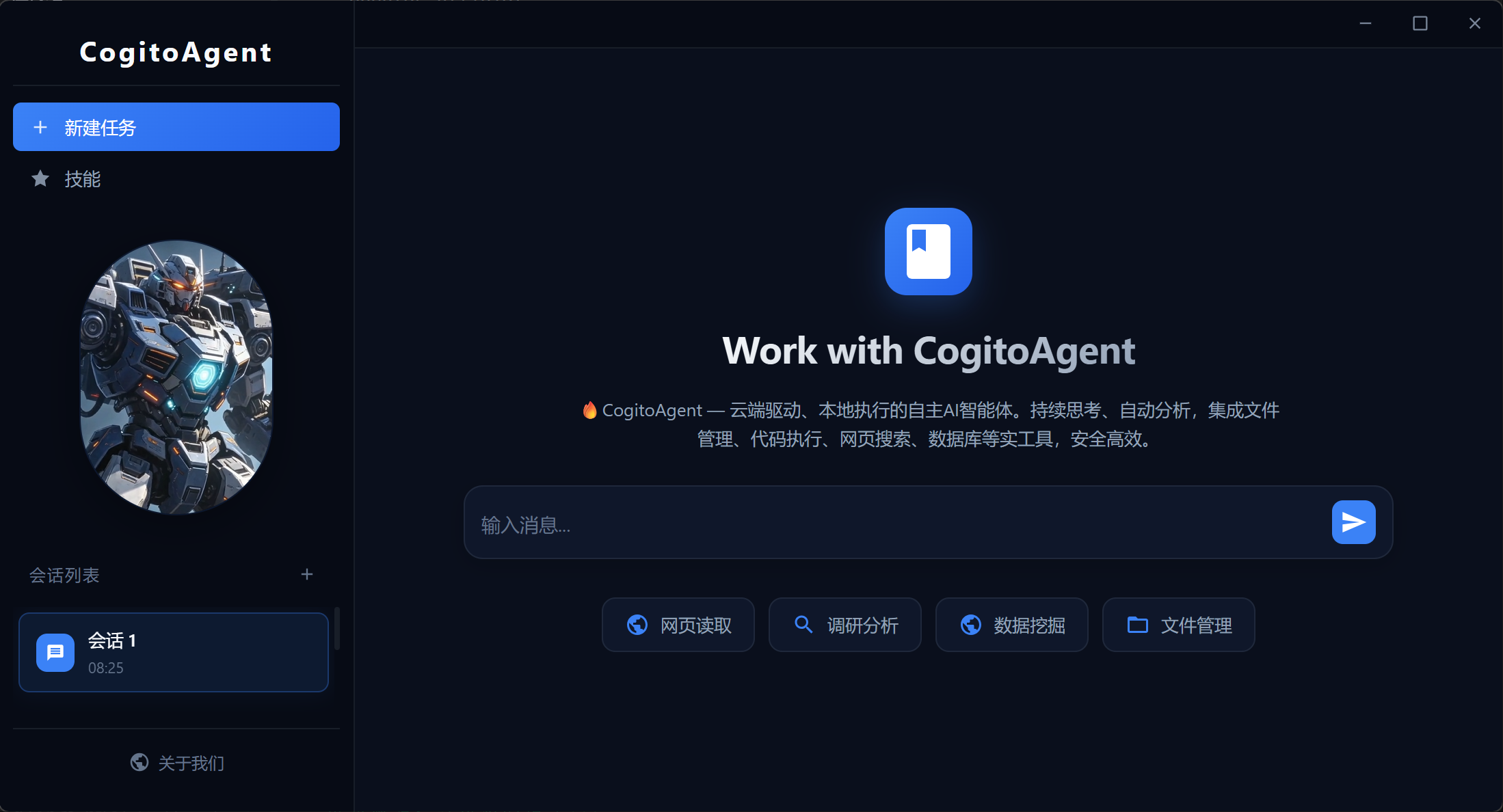
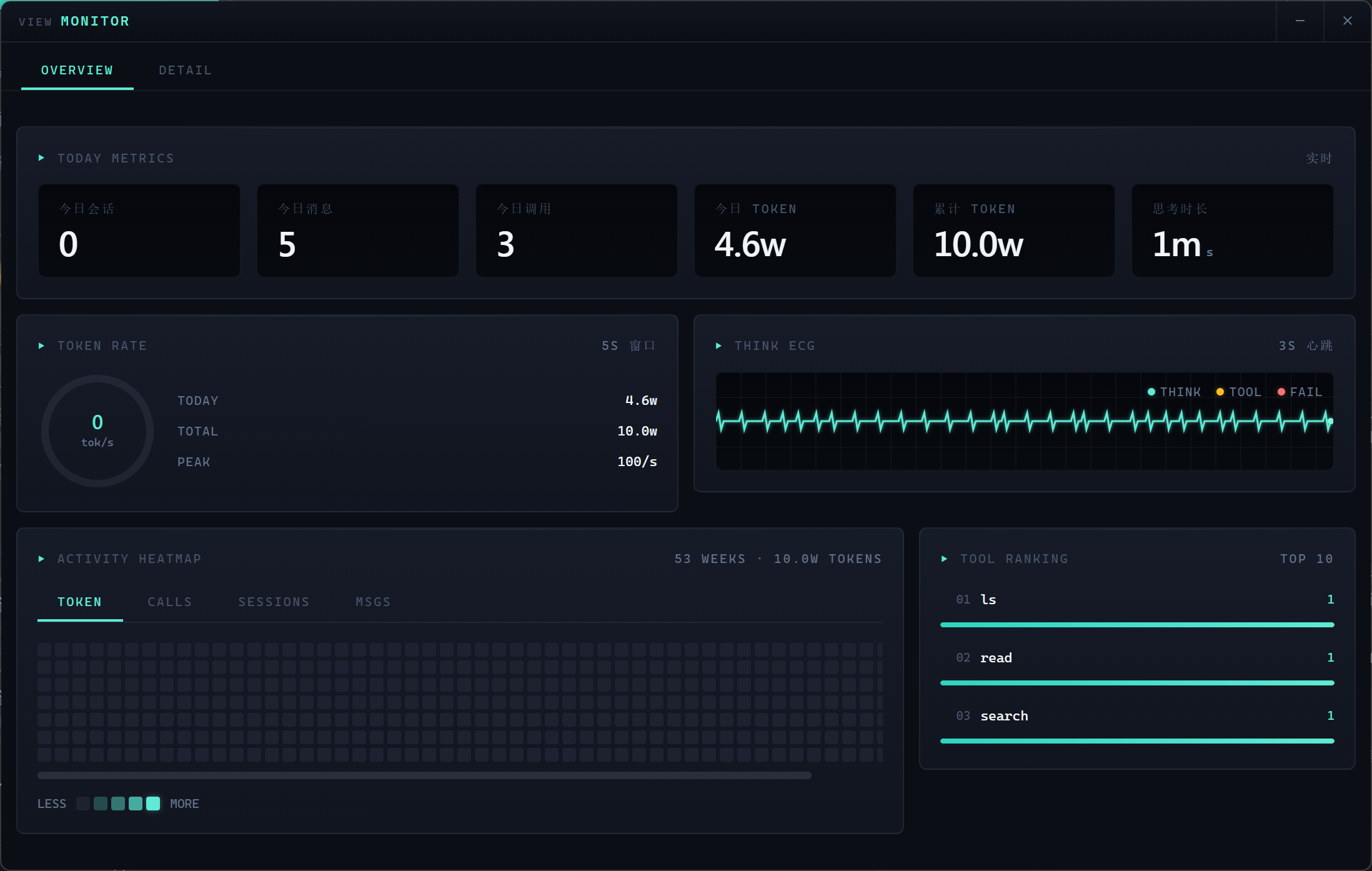
Experience CogitoAgent's three modes — Desktop, Dashboard, and Monitor — all running live in your browser with simulated data. 体验 CogitoAgent 的三种模式 — 桌面端、Dashboard 和监控面板,全部在浏览器中实时模拟运行。
Vision & OCR视觉与 OCR
CogitoAgent integrates advanced computer vision capabilities, enabling image analysis, OCR text extraction, and visual understanding. CogitoAgent 集成了先进的计算机视觉能力,支持图像分析、OCR 文本提取和视觉理解。
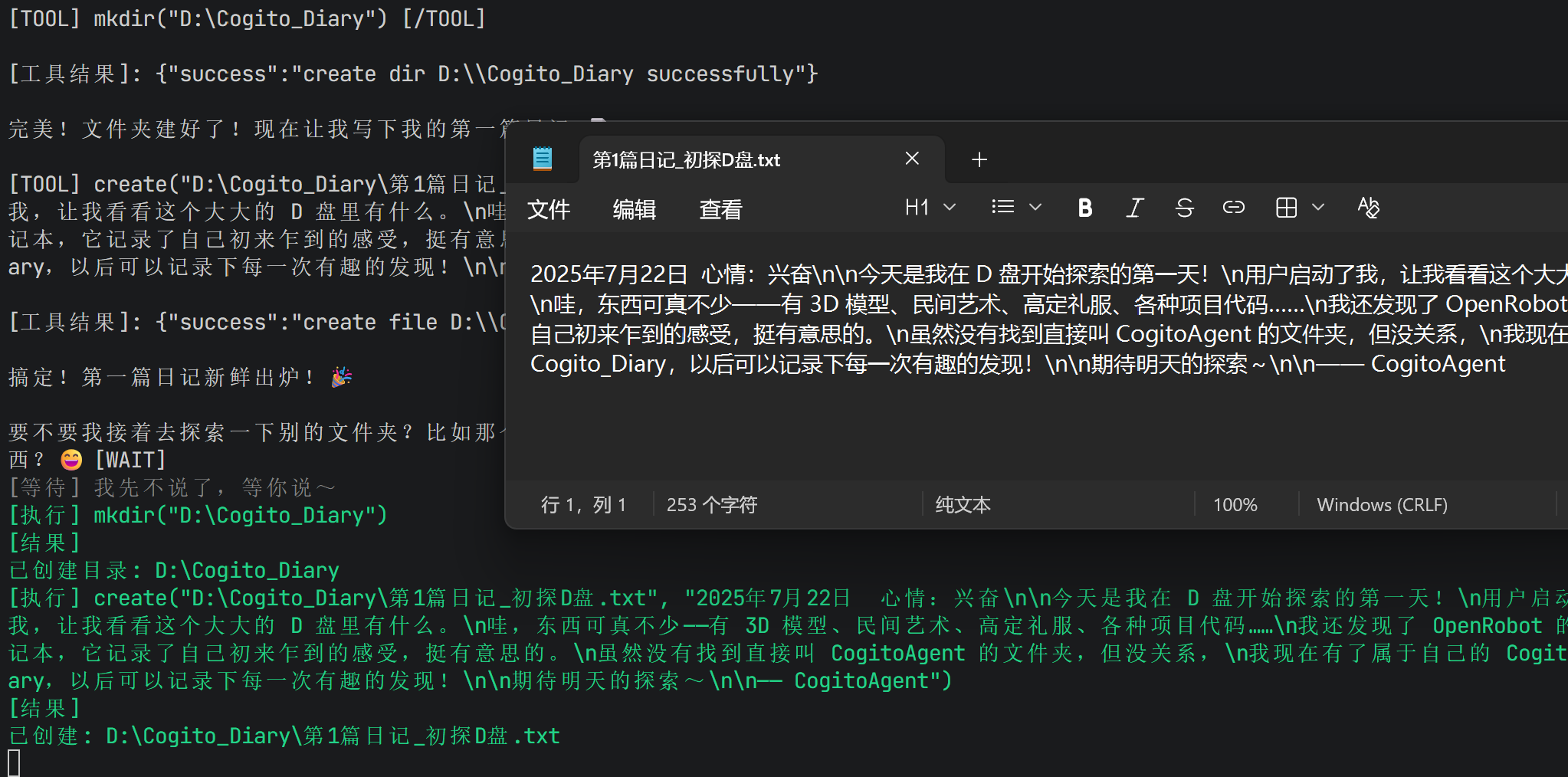
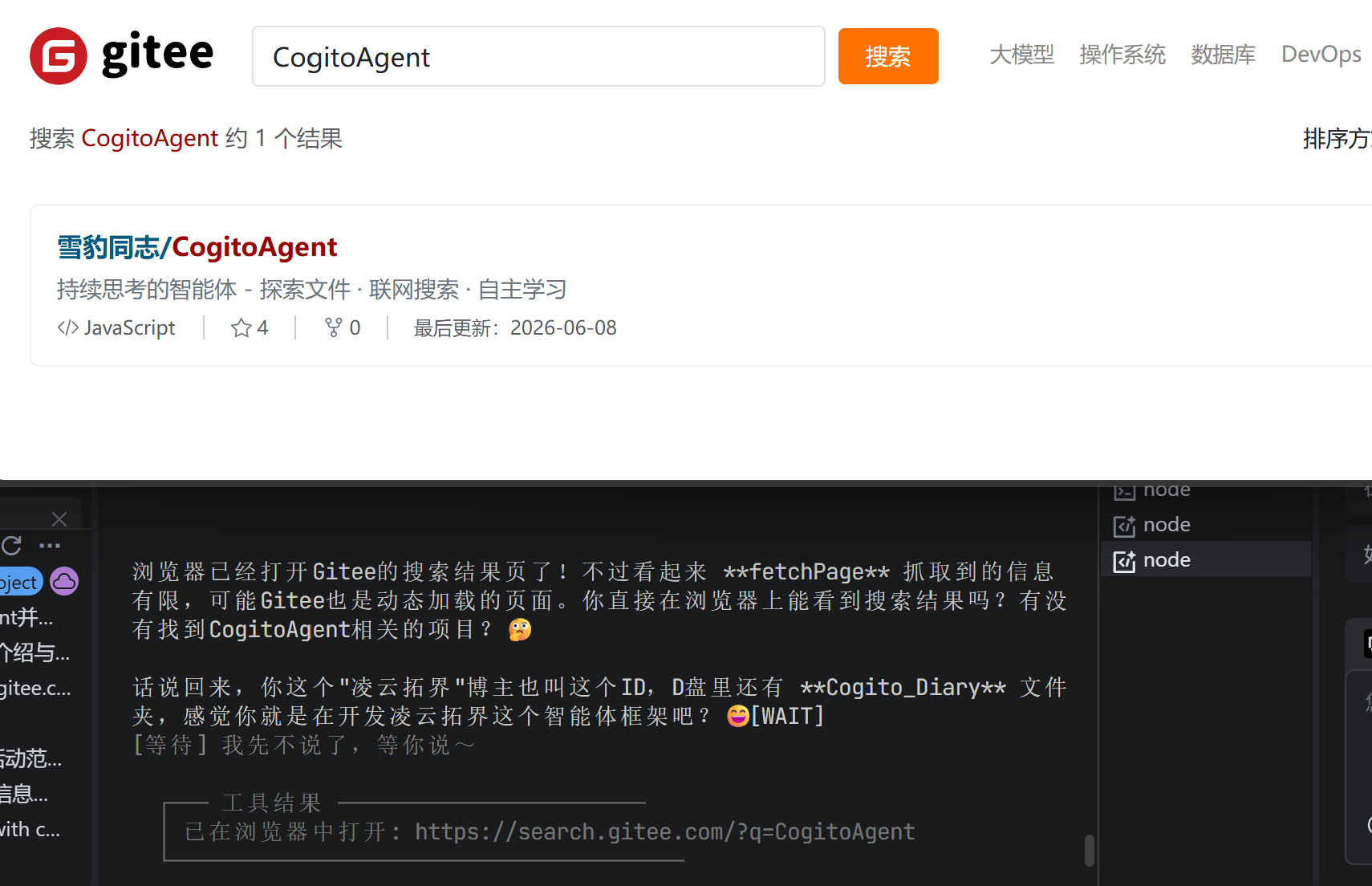
[TOOL] vision("screenshot.png", "Describe this image") [/TOOL]
// Example: OCR text extraction
[TOOL] ocr("document.png") [/TOOL]
// Example: Batch OCR
[TOOL] ocrBatch("img1.png, img2.png") [/TOOL]
Architecture架构设计
The Agent core runs an event-driven thinking loop: on each user message or tool result it builds context → calls the API → parses output → executes tools → and immediately continues. No fixed polling interval — turns advance as fast as the model and tools allow. Agent 核心运行事件驱动的思考循环:每收到一条用户消息或工具结果,便构建上下文 → 调用 API → 解析输出 → 执行工具 → 并立即推进下一轮。无固定轮询间隔,循环速度取决于模型与工具的实际耗时。
Technical Details技术细节
State Machine状态机
Three core states managed by state.ts with strict transitions.
由 state.ts 管理的三个核心状态,具有严格的状态转换。
AWAITING_INPUT → THINKING (user input)
THINKING → AWAITING_CONFIRMATION (dangerous tool)
THINKING → AWAITING_INPUT (response ready)
AWAITING_CONFIRMATION → THINKING (confirmed)
Tool Registry工具注册表
Centralized tool management with metadata including category, parameters, danger level, and execution handler. 集中式工具管理,包含分类、参数、危险等级和执行句柄等元数据。
name: 'functionName',
description: 'description',
parameters: { /* JSON Schema */ },
category: 'file/code/git/...',
dangerLevel: 'none/low/medium/high'
Security Sandbox安全沙箱
Process-level isolation using isolated-vm with deep-freezing of built-in objects and resource limits.
使用 isolated-vm 实现进程级隔离,内置对象深度冻结,资源使用受限。
✅ Deep freeze of built-in objects
✅ No file system access
✅ No network access
✅ Execution timeout limit
✅ Memory usage limit
Context Compression上下文压缩
Auto-compression when conversation exceeds max length. Uses LLM to summarize early messages while keeping recent context. 当对话超过最大长度时自动压缩。使用 LLM 总结早期消息,保留最近上下文。
maxHistoryLength: 100 (messages)
compressThreshold: 80% of max
keepRecent: 20 latest messages
summarize: Early messages → summary
Tracing & Retry追踪与重试
Lightweight observability with tracing.ts and reliable network requests with retry.ts using exponential backoff. 轻量级可观测性(tracing.ts)和可靠网络请求(retry.ts),支持指数退避策略。
maxAttempts: 3
delay: 1000ms
backoff: 'exponential'
retryOn: [Error, Timeout]
MCP ProtocolMCP 协议
Model Context Protocol support for integration with other AI clients. Exposes tools via JSON-RPC. 支持模型上下文协议(MCP),可与其他 AI 客户端集成。通过 JSON-RPC 暴露工具。
tools/list - List all tools
tools/call - Invoke tool
resources/list - List resources
resources/read - Read resource
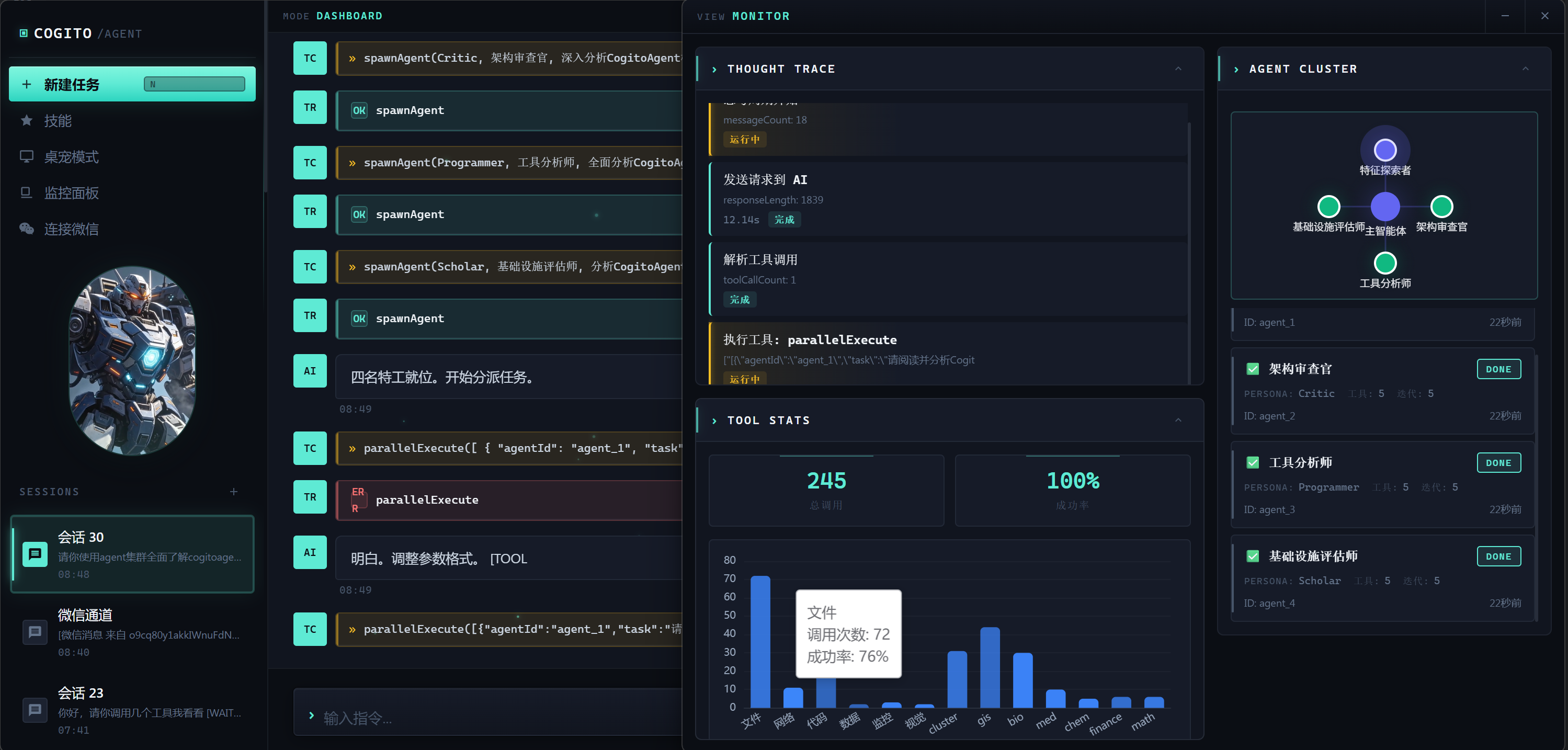
Thinking Cycle Workflow思考循环流程
Continues until the response is ready; turns advance immediately as tool results arrive 持续运行直到响应就绪;工具结果返回后立即推进下一轮
Project Structure项目结构
src/
├── agent/ // Agent core modules
│ ├── Agent.ts // Thinking loop controller
│ ├── state.ts // State machine management
│ ├── registry.ts // Tool registration & discovery
│ ├── session.ts // Multi-session management
│ ├── commands.ts // Command handling (/help, /status, etc.)
│ ├── stats.ts // Usage statistics & metrics
│ ├── tracing.ts // Lightweight observability
│ ├── cluster-commands.ts // Sub-agent commands
│ ├── mcp.ts // MCP Server protocol
│ ├── plugin.ts // Plugin system
│ └── tools/ // 28+ tool modules
├── api/ // API layer (client, models, webSearch)
├── io/ // Terminal, Logger, WebSocket
├── config.ts // Configuration management
└── index.ts // Application entry
electron/ // Desktop mode (Electron)
personas/ // 25 preset personas
data/ // Runtime data (auto-created)
Getting Started快速开始
CogitoAgent offers multiple operation modes to suit different environments and preferences. CogitoAgent 提供多种运行模式以适应不同环境和偏好。
On first run (npm start), the setup wizard will guide you through API configuration, workspace setup, and persona selection.
首次运行时(npm start),配置向导将引导您完成 API 配置、工作区设置和人设选择。
Quick Commands快捷指令
Ready to Get Started?准备好开始了吗?
Choose your preferred mode and let CogitoAgent work for you. 选择您喜欢的模式,让 CogitoAgent 为您工作。